


 Optimizely





Get Solr cloud automation and automate the deployment, management and scaling of your Solr clusters.
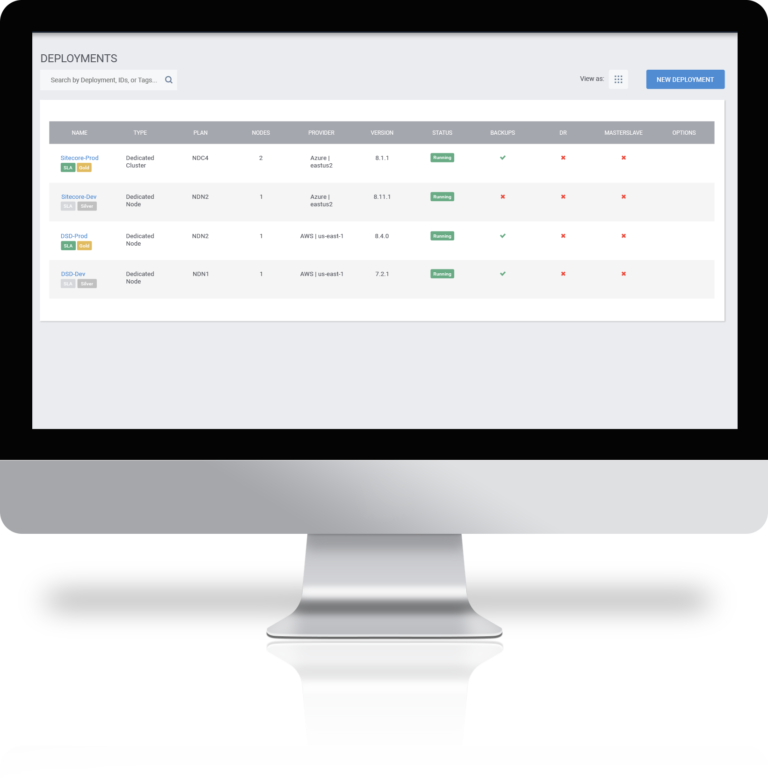
Control the installation, configuration and management of Solr deployments using the SearchStax Managed Search portal
SearchStax has APIs that let you automate most Solr management tasks, including:
SearchStax lets you back up your Solr data, configurations and any custom plugins.
Scheduled backups can be done as frequently as once per hour and manual backups can be performed on demand.
Gold, Platinum and Platinum Plan deployments receive complimentary daily backups.
SearchStax Managed Search has the following APIs to help you manage your Solr deployment:
A “backup” is a copy of the deployment’s configuration files, index files, and any .JAR files that are needed. Any condition that interferes with copying these files can produce a backup failure:
Learn more about why Solr backups fail?
There are five key steps for setting up Solr in a cloud infrastructure:
Once the initial setup and Solr deployment is completed, there are several ongoing management and support activities that must be addressed, including:
In our whitepaper, Why SearchStax is Better than DIY Solr Infrastructure, we provide a detailed step-by-step comparison between using SearchStax and DIY.